
📱 How to Set Up Dual eSIM: Run Two eSIMs at Once (2026 Guide)
📱 What Dual eSIM Means
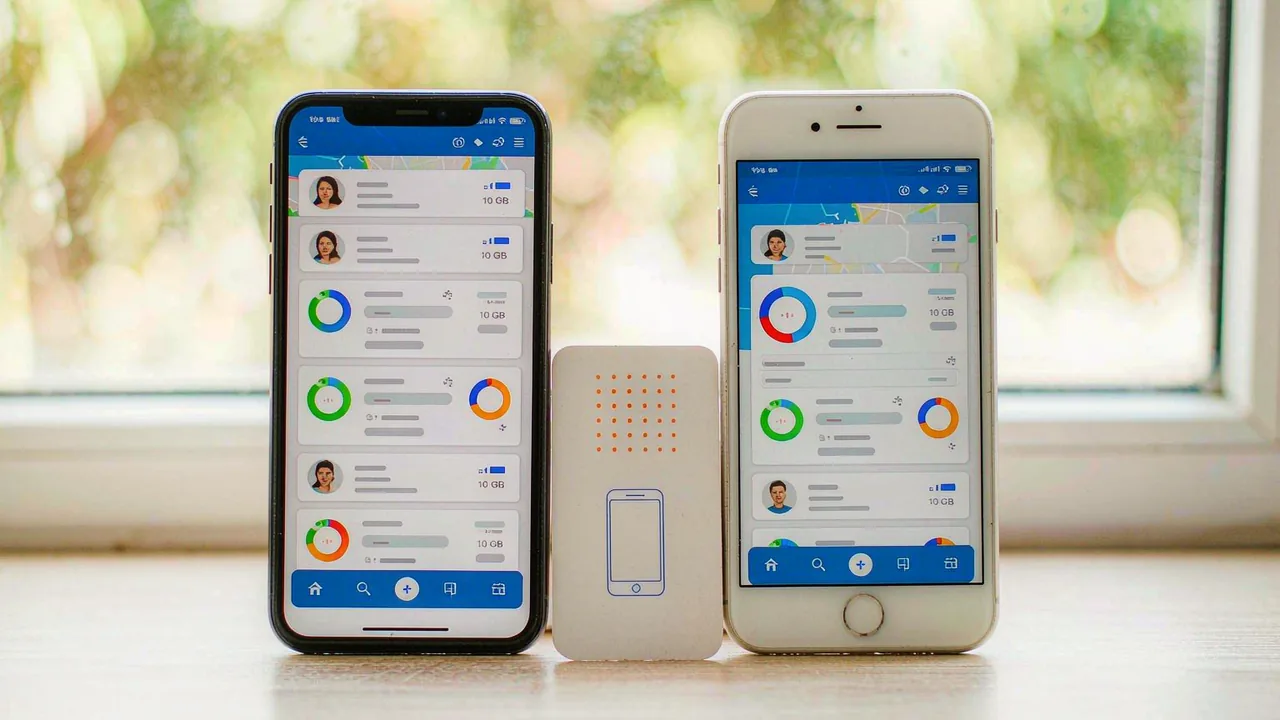
- Dual eSIM = two eSIM profiles active at the same time, no physical SIM involved.
- Typical travel use: your home number stays active for calls and verification codes while a travel eSIM carries the data.
- Most phones since 2021 support dual eSIM: iPhone 13 and newer, Pixel 7 and newer, international Galaxy S22 and newer, and more.
- Phones also support mixed dual SIM (nano-SIM + eSIM) - dual eSIM specifically means both lines are eSIMs.
📱 Which Phones Support Two Active eSIMs
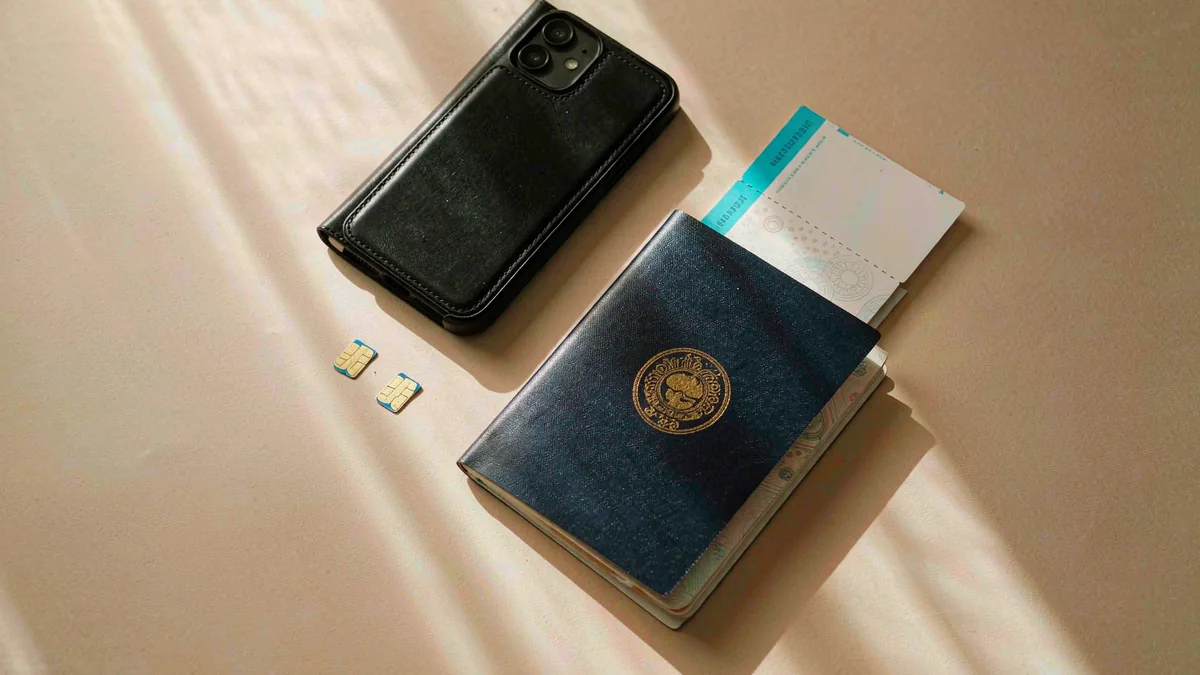
- iPhone: 13, 14, 15, 16, 17, 18 series and iPhone Air - all support two active eSIMs.
- Google Pixel: Pixel 7 and newer support dual eSIM.
- Samsung Galaxy: international (Europe, Korea, Japan) S22 and newer support two active eSIMs; US models officially support nano-SIM + eSIM only.
- Check your phone: if Settings shows Add eSIM and you already have one eSIM installed, adding a second usually just works.
📱 Set Up Home Number + Travel Data: 6 Steps
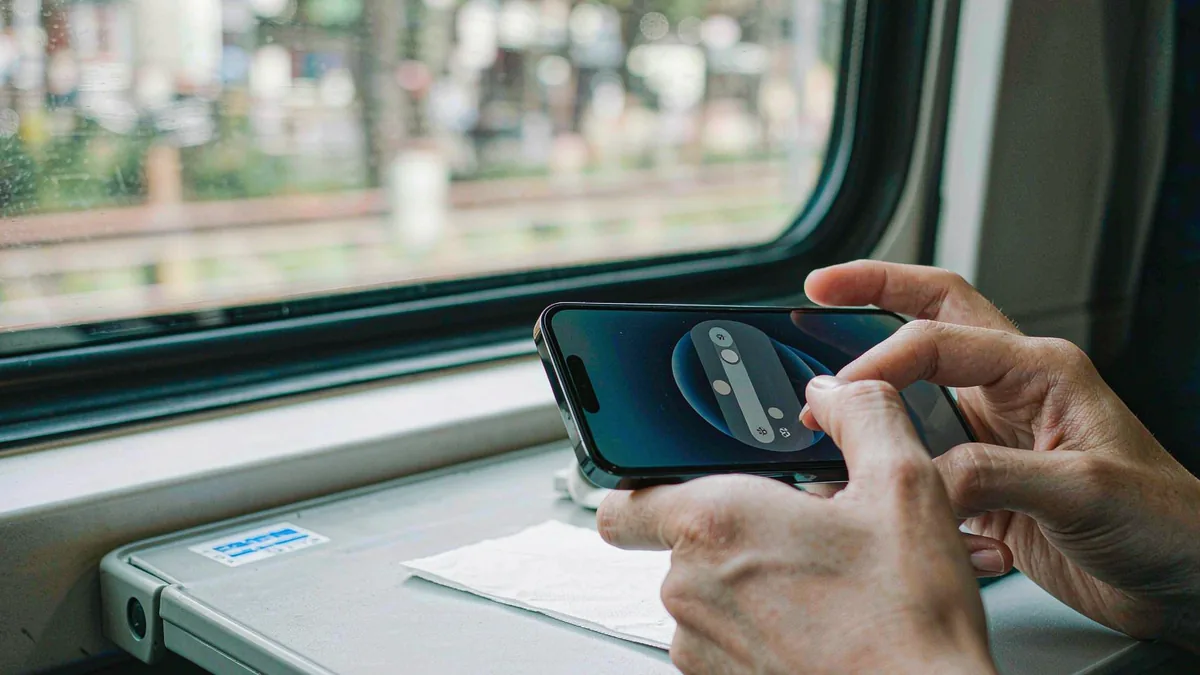
- Install the travel eSIM on Wi-Fi before departure (Settings > Cellular > Add eSIM on iPhone; SIM manager on Android).
- Label both lines clearly - "Home" and "Japan trip" - so the data switch is obvious later.
- Set Calls/Default Line to your home number so SMS verification codes keep arriving.
- Set Mobile Data to the travel eSIM.
- Turn Data Roaming OFF on the home line and ON for the travel eSIM.
- On arrival, confirm the travel eSIM shows signal bars; toggle Airplane Mode if it does not connect within a minute.
📱 Common Dual eSIM Mistakes
The number-one mistake is leaving Data Roaming enabled on the home line - this is what causes surprise roaming bills, not the travel eSIM, which is prepaid. The second is deleting the home eSIM profile to "switch over" instead of just changing which line carries data; deleted profiles usually need the carrier to reissue. The third is expecting iMessage/RCS to follow the data line automatically - check that your messaging app still uses your home number under its settings.
💡 Quick Tips
- Data Roaming ON for the travel eSIM costs nothing extra - prepaid plans include roaming. It is the home line's roaming toggle that must stay off.
- iMessage and WhatsApp work over the travel eSIM's data as usual; your home number keeps receiving SMS codes in the background.
- Battery: two active lines use slightly more power; on long days carry a small power bank.
⚡ Pro Tips
- Set your default line for calls before you land, not after - finding the setting while roaming on a congested airport network is frustrating.
- If a banking app locks out after the switch, it is usually checking the SIM's country; keep your home line active and the app will see it.
📋 Summary
Dual eSIM lets your home number and travel data live on one phone: home line for calls and verification codes, travel eSIM for data. The setup is four toggles - label the lines, set data to the travel eSIM, turn roaming off on home and on for travel. Supported on iPhone 13+, Pixel 7+, and international Galaxy S22+.
Frequently Asked Questions
Can my phone run two eSIMs at once?
iPhone 13 and newer, Pixel 7 and newer, and international Galaxy S22 and newer all support two active eSIMs. US Galaxy models officially support nano-SIM + eSIM only.
Do I need to remove my physical SIM for dual eSIM?
No - dual eSIM uses no physical SIM at all. You can also keep your nano-SIM in and run it alongside one eSIM (mixed dual SIM).
Will I get roaming charges from my home carrier?
Not if you turn Data Roaming off on the home line. With roaming off, the home SIM only handles calls and SMS, which arrive over the home network at no data cost.
Which line do verification codes come from?
Your home line - SMS arrives on the number the sender sent it to, regardless of which line carries data. Keep the home line active and codes arrive as normal.
Does dual eSIM drain the battery faster?
Slightly - two active radios draw more power. In practice the difference is small; airplane mode on the unused line saves the most if you want to optimize.


