
📱 iPhone 17 eSIM Guide: Models, Regional Differences and Travel Setup (2026)
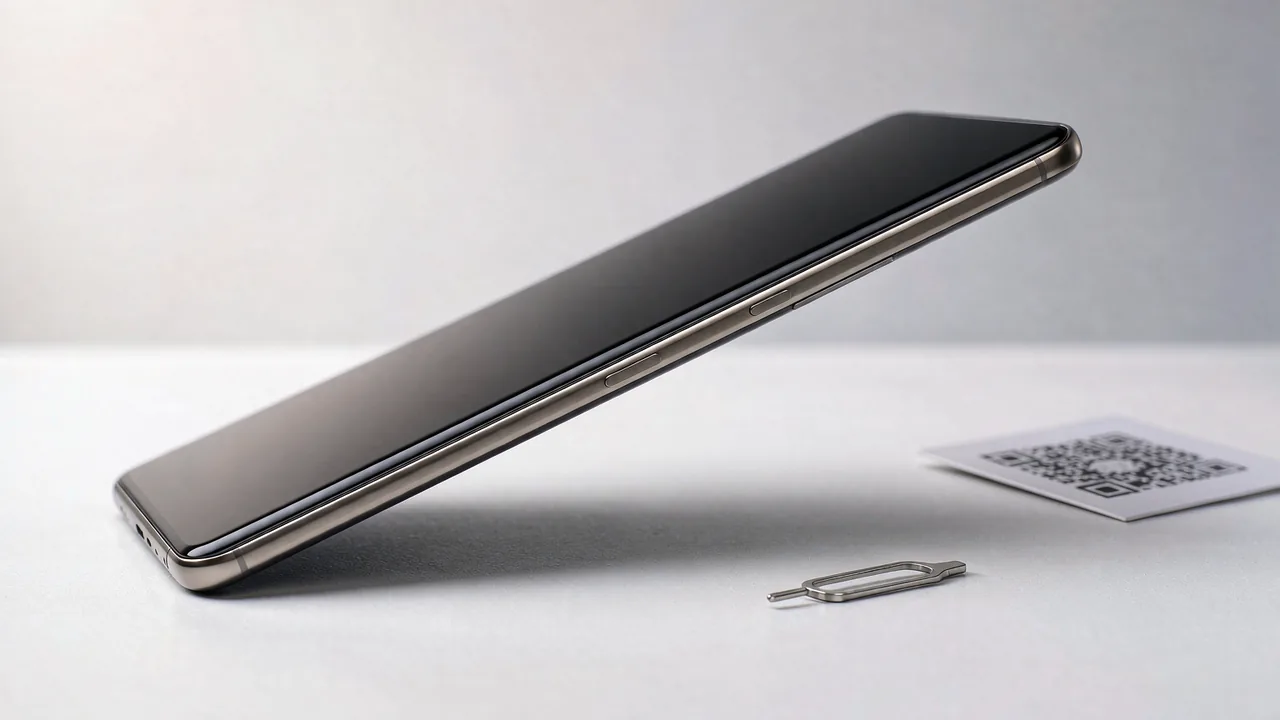
📱 iPhone 17 Model Numbers and SIM Support
- A3258 - sold in the United States and Puerto Rico. eSIM-only, no physical SIM tray.
- A3519 - sold in 11 markets: Canada, Guam, Japan, Mexico, US Virgin Islands, Bahrain, Kuwait, Oman, Qatar, Saudi Arabia and UAE. eSIM-only in those markets, no SIM tray.
- A3520 - international version sold in Europe, China Hong Kong, China Macao and most other regions. Nano-SIM tray + eSIM.
- A3521 - mainland China version. Dual nano-SIM only, no eSIM support.
- A phone sold eSIM-only stays eSIM-only wherever you travel - the hardware tray simply does not exist.
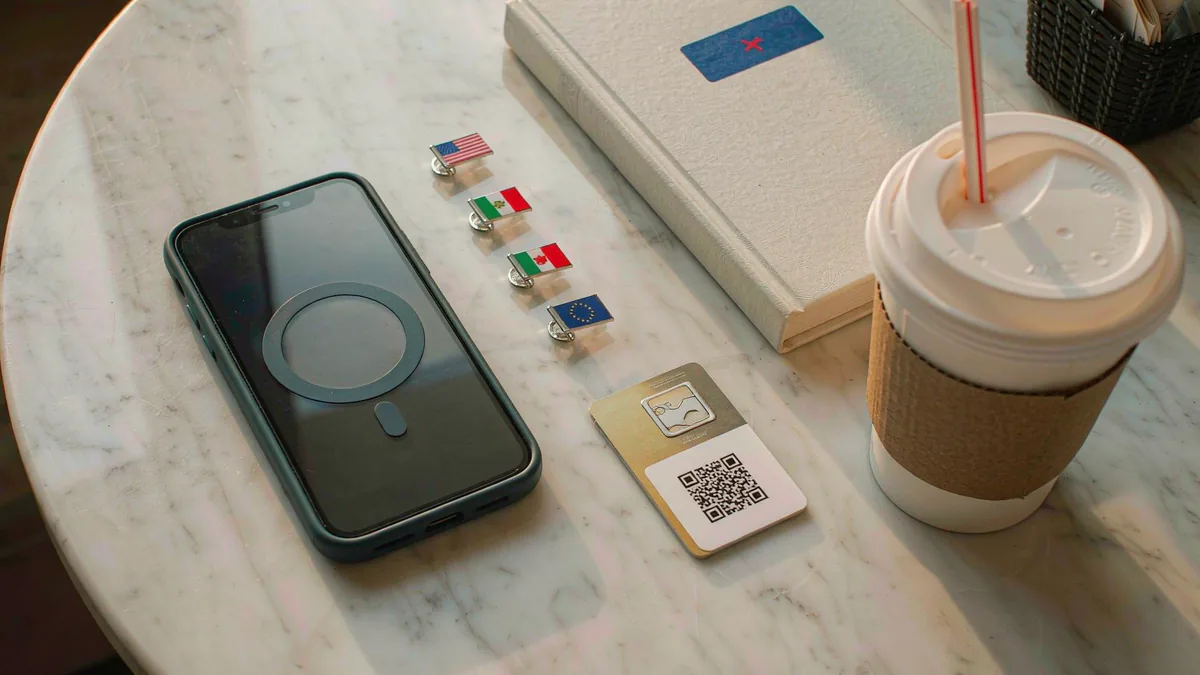
📱 Check Which iPhone 17 Version You Have
- Open Settings > General > About and read the Model Number field.
- Tap the Model Number to flip it from the marketing part number (starts with M) to the regulatory model (starts with A).
- Match the A-number against the list above to know whether you have a tray, and whether eSIM works in your region.
📱 Install a Travel eSIM on iPhone 17: 5 Steps
- Buy your travel eSIM and open the delivery email on the iPhone while on Wi-Fi.
- Open Settings > Cellular > Add eSIM.
- Choose Use QR Code and scan the code from the email, or tap the activation link in the email.
- Label the plan (for example "Paris trip") and keep Default Line set to your home number.
- On arrival: turn the eSIM line on, enable Data Roaming for it, and set it as your Mobile Data line.
📱 Travel Notes for Each iPhone 17 Version
A3258 and A3519 owners rely entirely on eSIM, so buy travel eSIMs with instant QR delivery - there is no store-bought SIM card as a fallback. A3520 owners can use either eSIM or a local nano-SIM. A3521 (mainland China) owners cannot use eSIM at all and should plan on roaming or a second physical SIM. In all cases the iPhone 17 can store eight or more eSIM profiles and run two lines at once.
💡 Quick Tips
- A3521 (mainland China) units show no eSIM menu at all - this is hardware, not a settings issue, and no update changes it.
- If your A3520 shows No Service on eSIM abroad, check Settings > Cellular > [your eSIM] > Data Roaming before anything else.
- Install the eSIM at home on Wi-Fi; installs on airport or hotel Wi-Fi fail more often.
⚡ Pro Tips
- Take a screenshot of the QR code and keep it in Photos - you can re-scan from there if you reinstall the profile or set up a second device.
- Turn off Data Roaming on your home line before departure; that is what prevents surprise roaming charges while your travel eSIM carries data.
📋 Summary
The iPhone 17 splits into four hardware versions: US and Gulf/Japan-market models are eSIM-only, international models keep a nano-SIM tray alongside eSIM, and mainland China units are dual nano-SIM with no eSIM. Check your A-number in Settings, then set up a travel eSIM over Wi-Fi before you fly and switch data to it on arrival.
Frequently Asked Questions
Is the iPhone 17 eSIM-only?
Depends on the version: A3258 (US) and A3519 (11 markets incl. Japan, Canada, Mexico, Gulf states) are eSIM-only with no tray. A3520 (international) has nano-SIM + eSIM. A3521 (mainland China) is dual nano-SIM with no eSIM.
How do I know if my iPhone 17 has a SIM tray?
Check Settings > General > About for the model number. A3258 and A3519 have no tray; A3520 does. You can also look at the left edge - tray-less models have a blank side button area.
Can I add a physical SIM to an eSIM-only iPhone 17?
No. eSIM-only models have no tray and no SIM reader. Any cellular plan you add must be an eSIM.
Does the mainland China iPhone 17 support eSIM?
No. The A3521 version is dual nano-SIM only. If you need eSIM in mainland China, the iPhone 17e, iPhone Air and iPhone Duo are the supported options.
How many eSIMs can the iPhone 17 store?
Eight or more eSIM profiles, with two active at the same time - your home line plus a travel plan is the standard travel setup.


